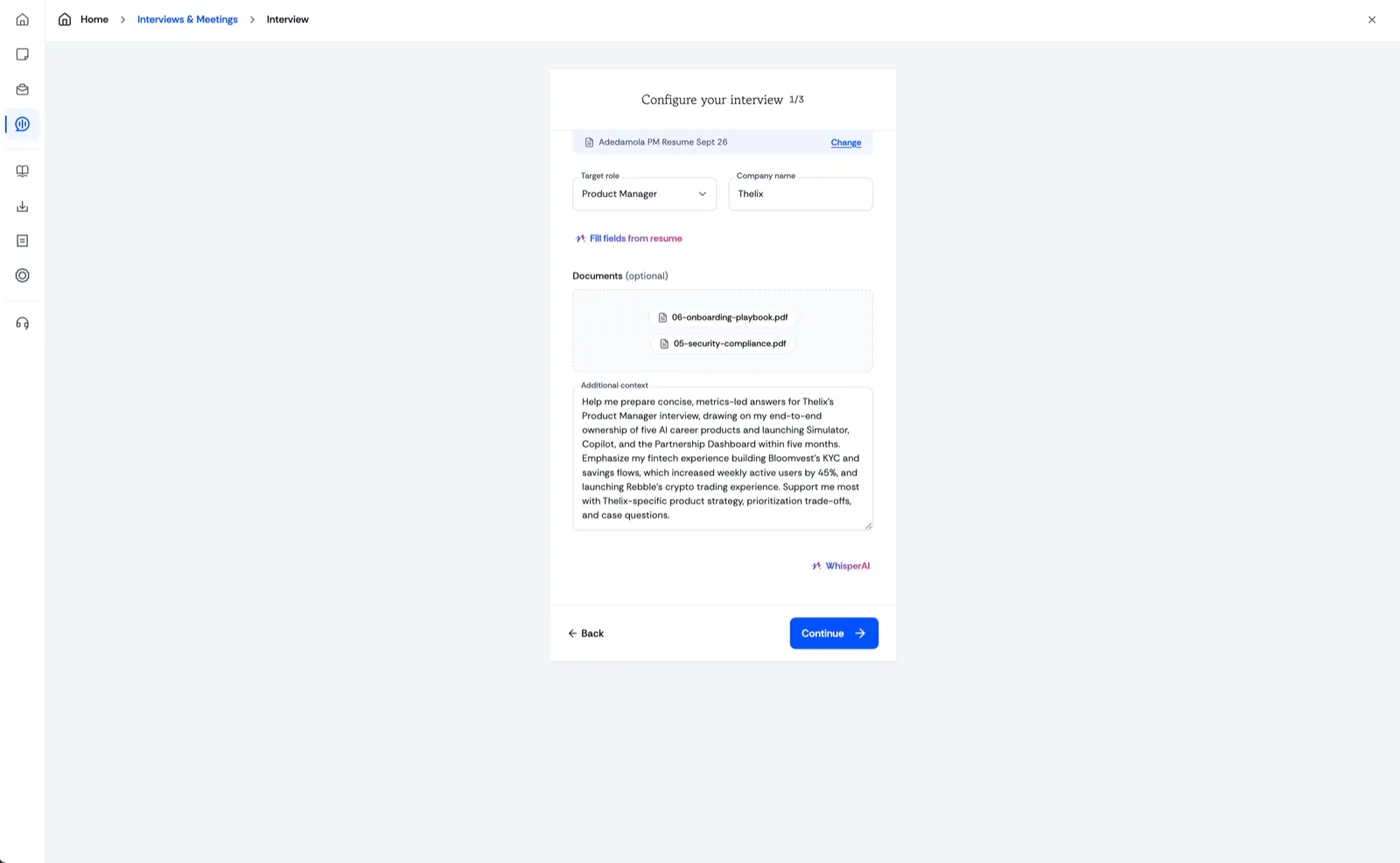
Before the meeting Set up before the interview.
Enter the job role, the company, the job description and any context. Copilot answers from that, not from guesswork.
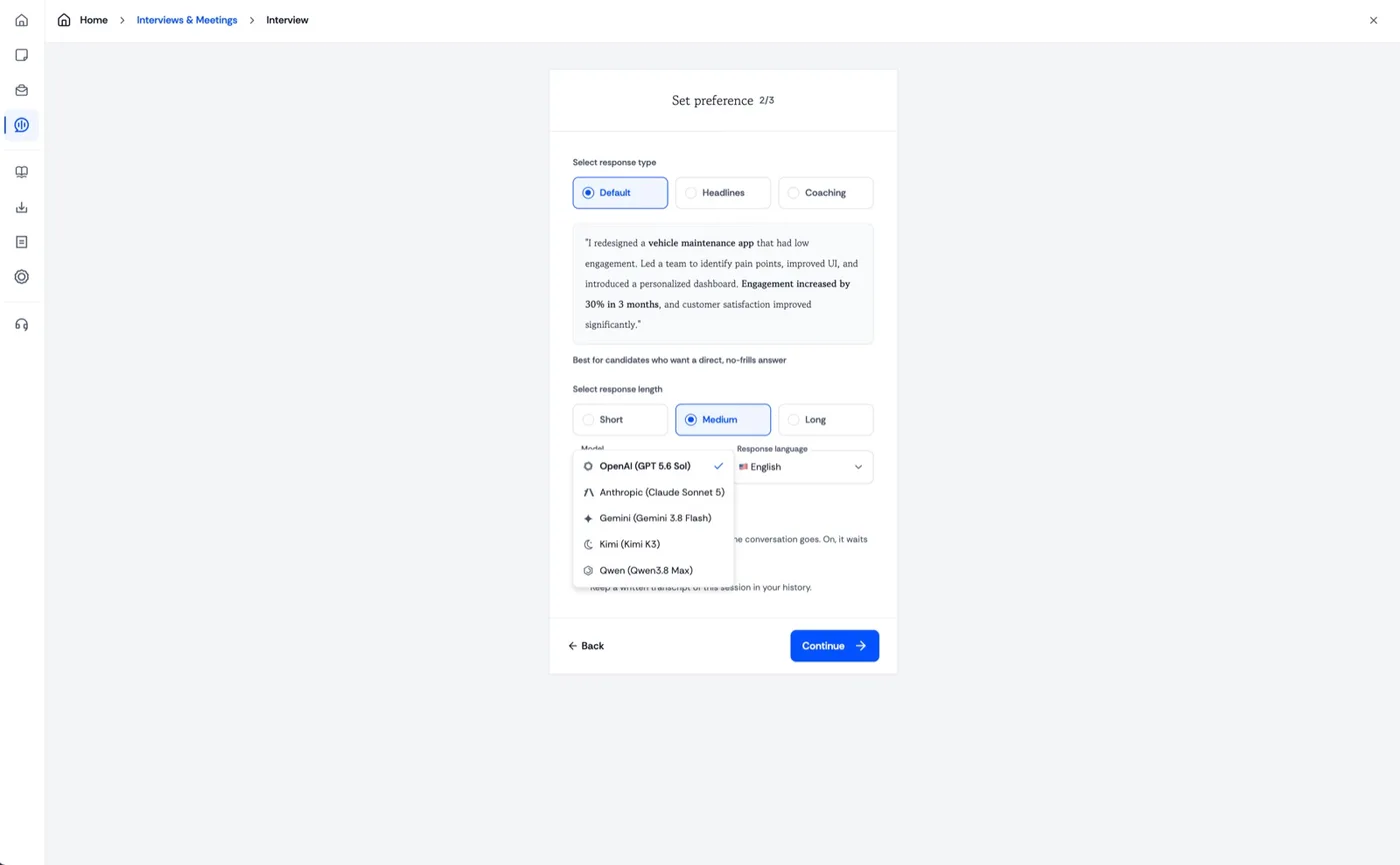
How it answers Choose what helps you most.
Pick the response style, how long it runs, and the model. Set it to whatever you can actually use while talking.
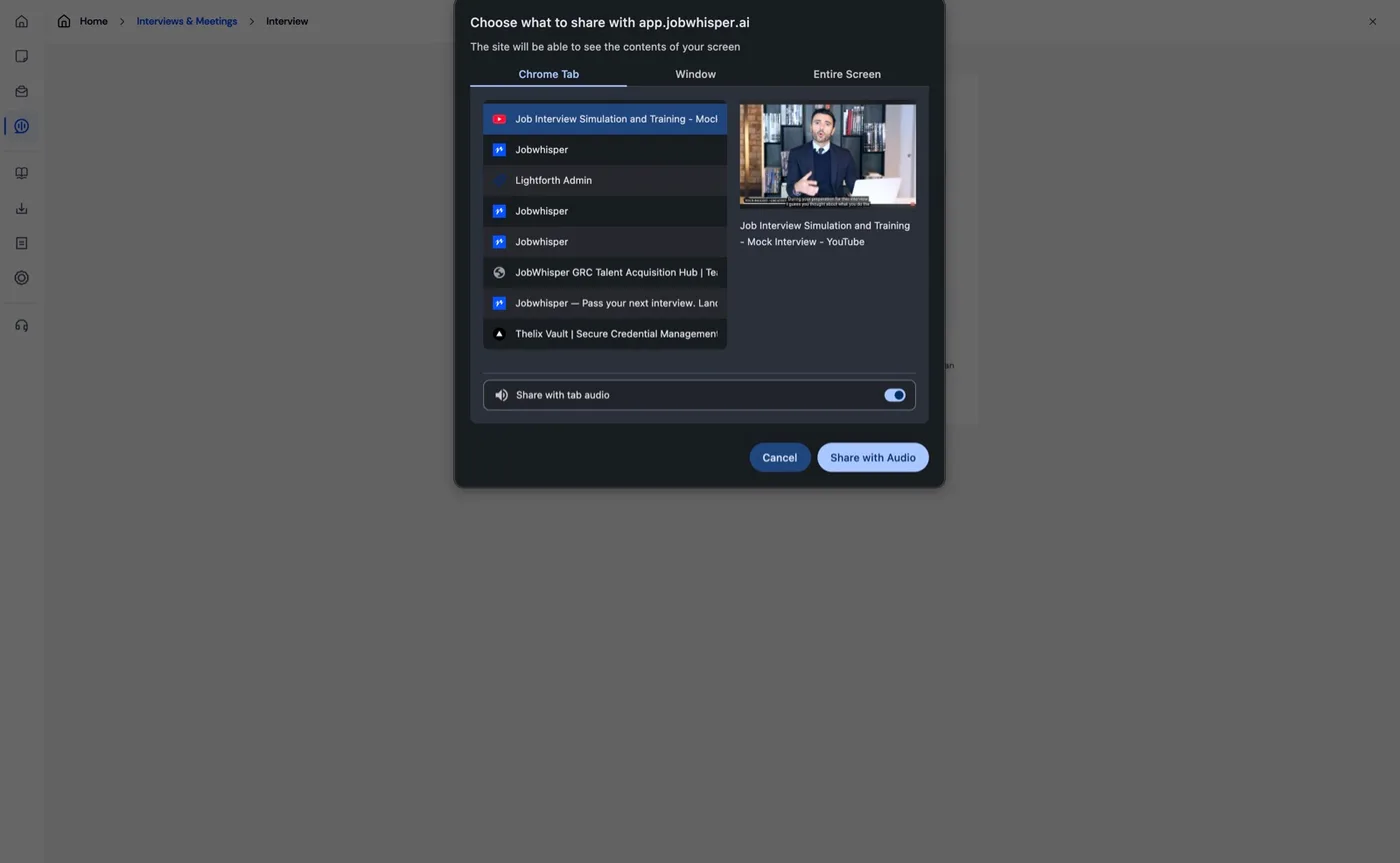
Wherever the call is It listens to the interview.
Copilot hears the audio from wherever the interview is happening, so it follows the questions as they are asked.
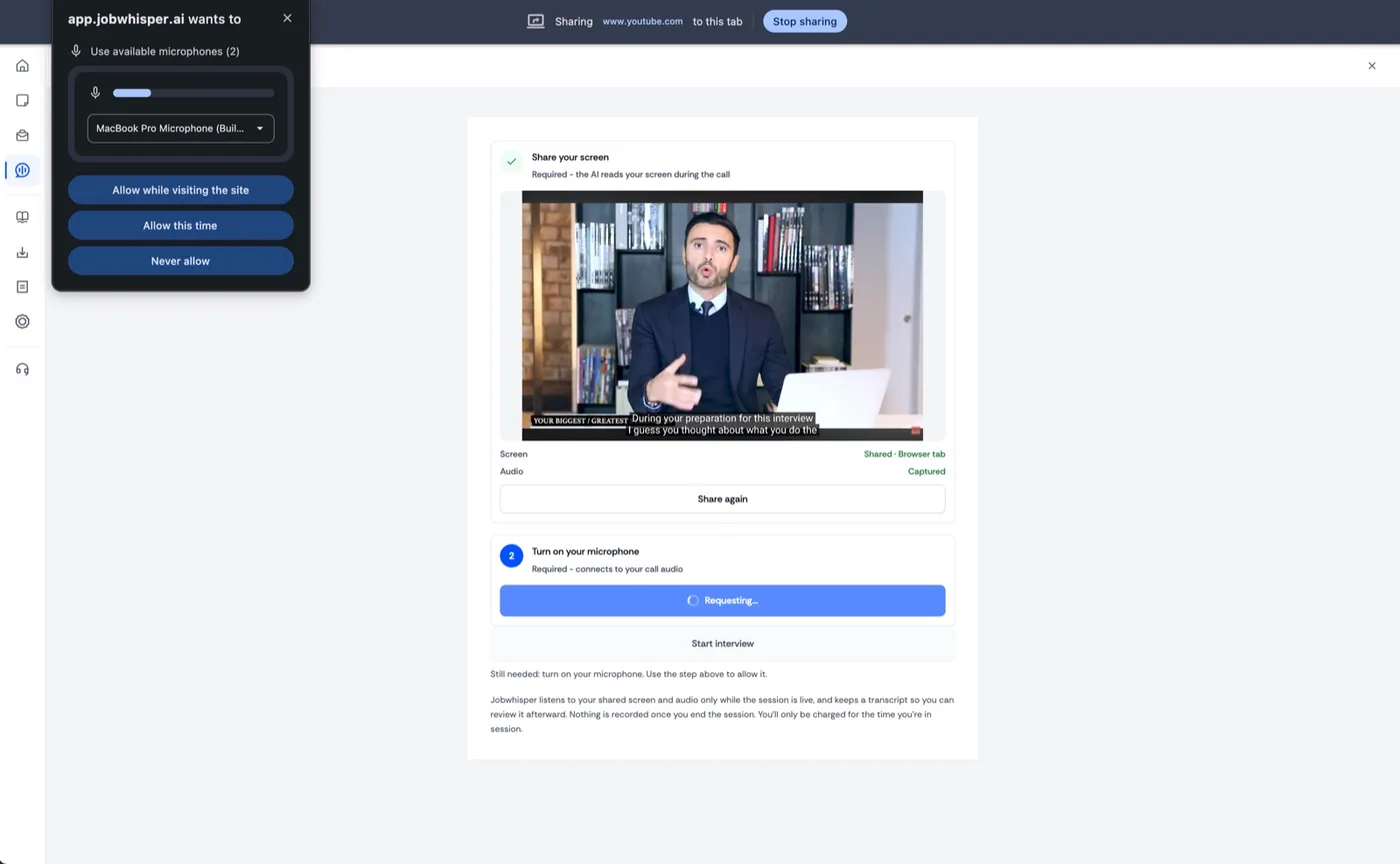
One-time setup Give it the permissions.
Allow the microphone so it can hear your side too. Copilot listens only while the session is live, never after.
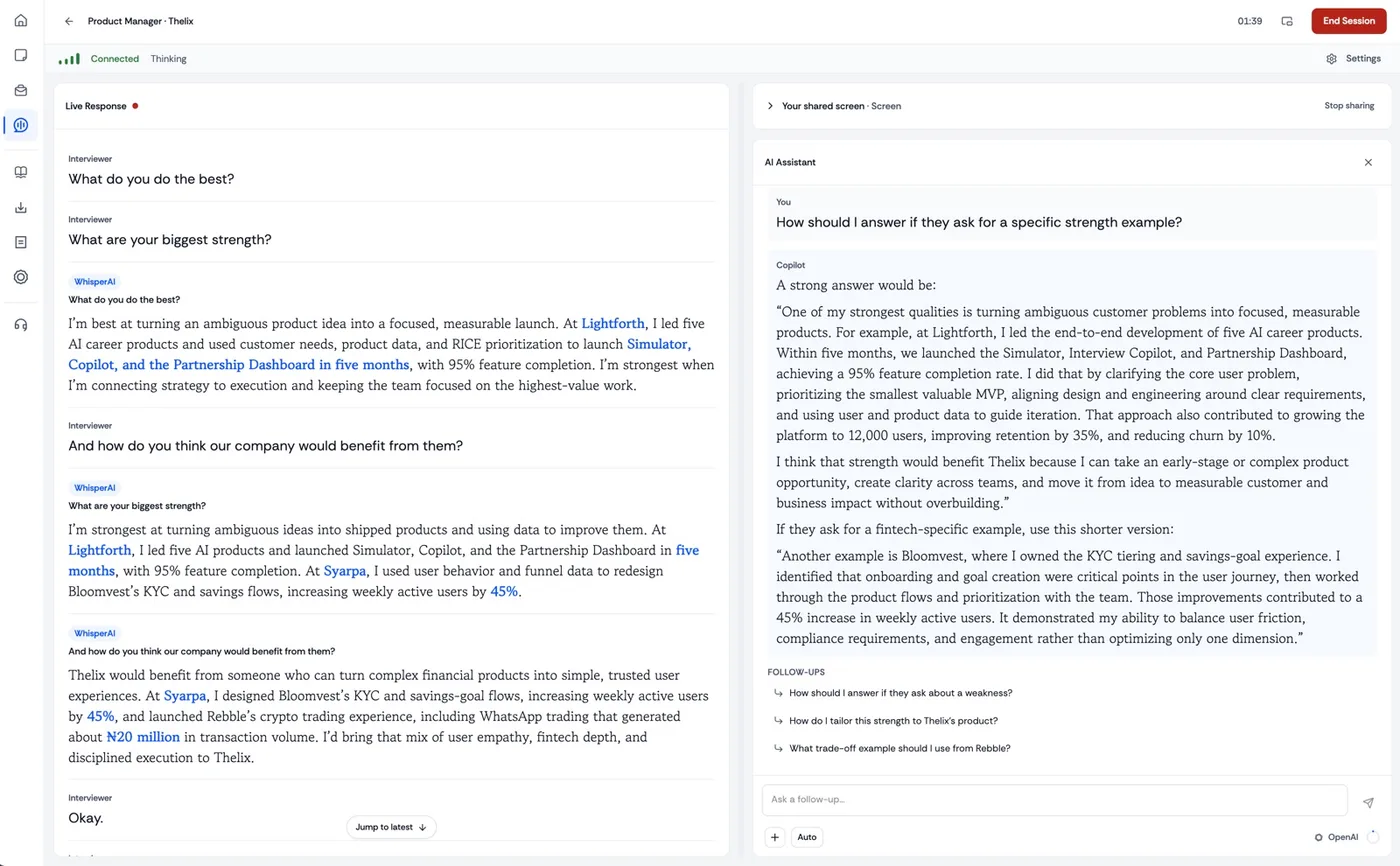
While you talk A response, in your own words.
An answer appears for every question, ready to say in your own words. Ask the assistant on the right for another angle.
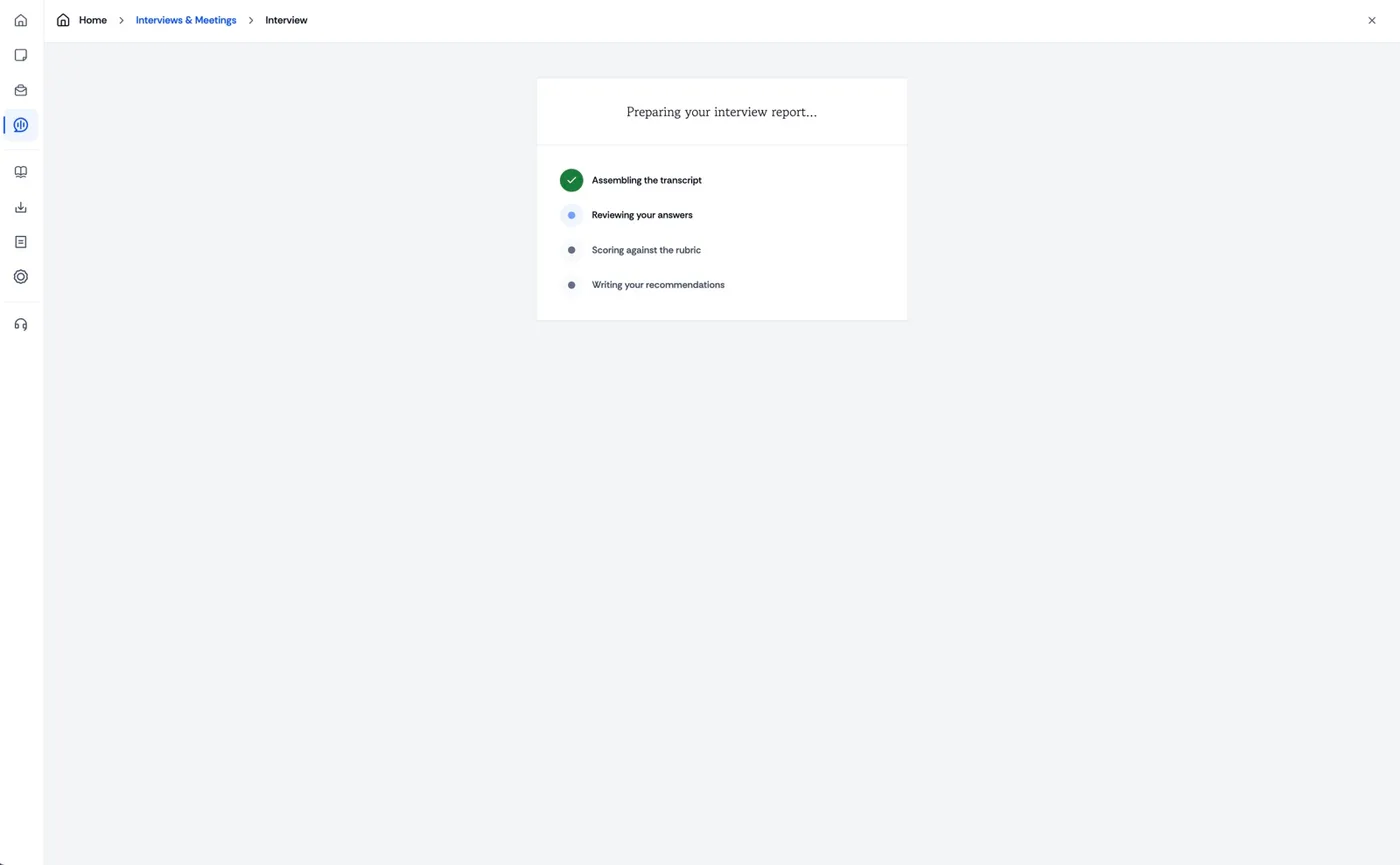
When you finish It writes up the session.
Jobwhisper turns the call into a report on what to improve before the next meeting. Nothing for you to do.
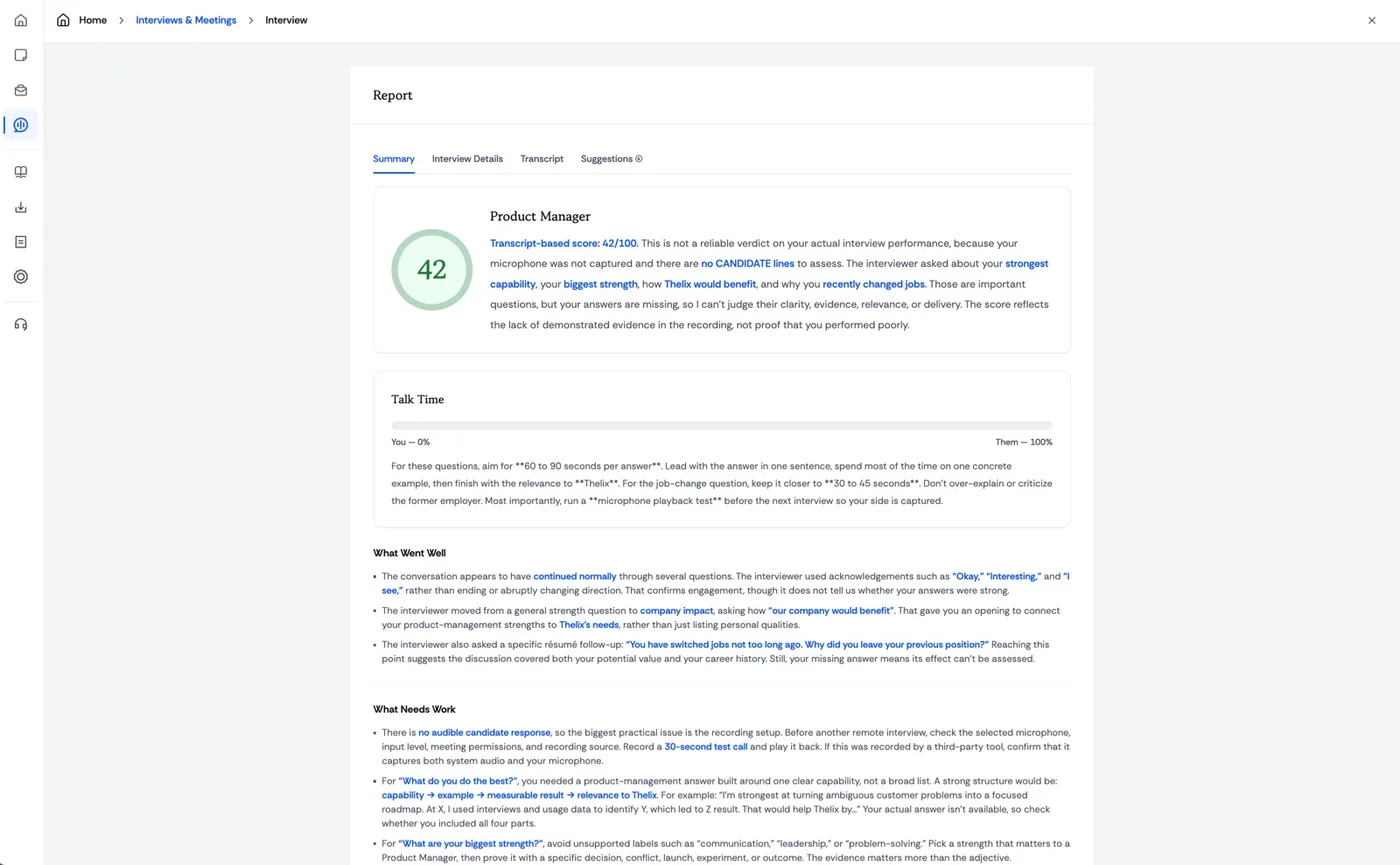
The report Your score, talk time, feedback.
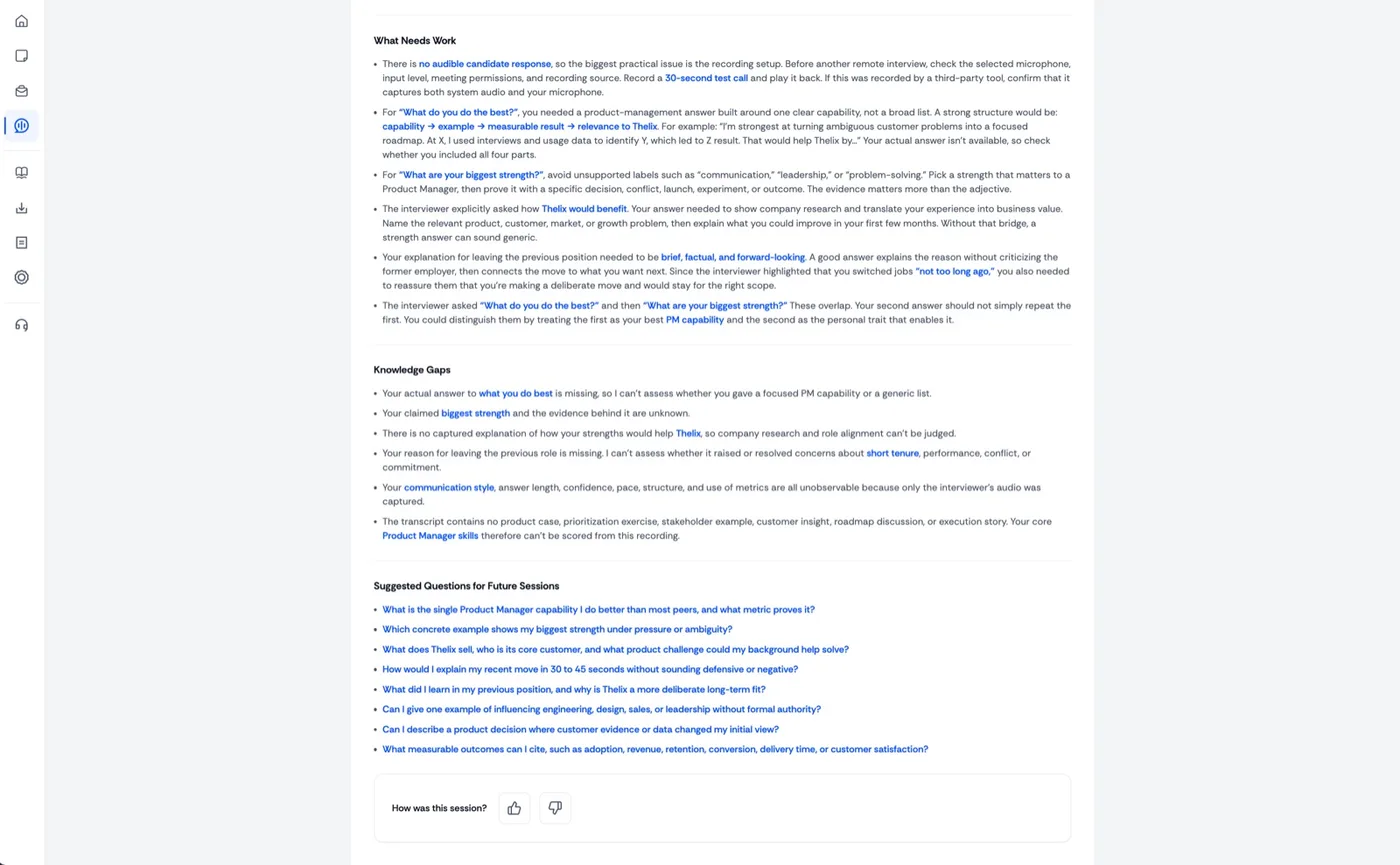
How long you spoke against the interviewer, what landed and what did not, with your own wording quoted back.
Do better next time Knowledge gaps, better questions.
Where the evidence was thin, and the questions worth rehearsing so the next conversation goes further.
Does Copilot answer for me? +
No. It gives you relevant talking points that you express in your own words.
What information does it use? +
Your resume, the job description, your preferences, and the live conversation.
Can the interviewer see it? +
Copilot is designed to stay in your own workspace while you remain on the call.
Can I change the answer length? +
Yes. Choose concise or detailed support before the call and adjust it when the conversation changes.
Does it work with meeting apps? +
Copilot runs beside your meeting workspace so you can stay in the conversation while receiving support.
Can I review the session later? +
Yes. Revisit difficult questions and capture stronger responses while the conversation is still fresh.