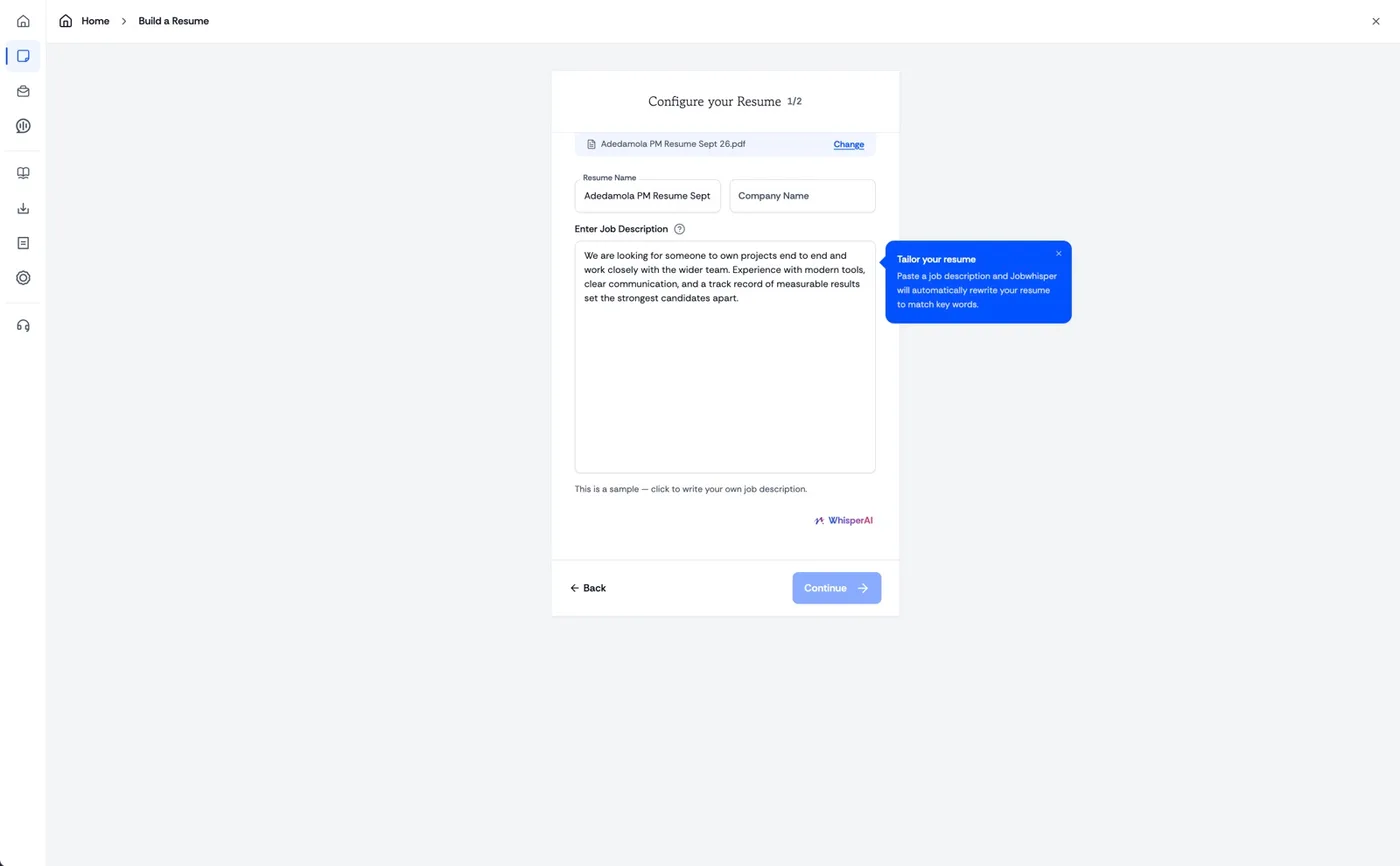
Start here Tailor it to any job description.
Upload your resume, name the company, and paste the posting. Jobwhisper rewrites around what that employer asked for.
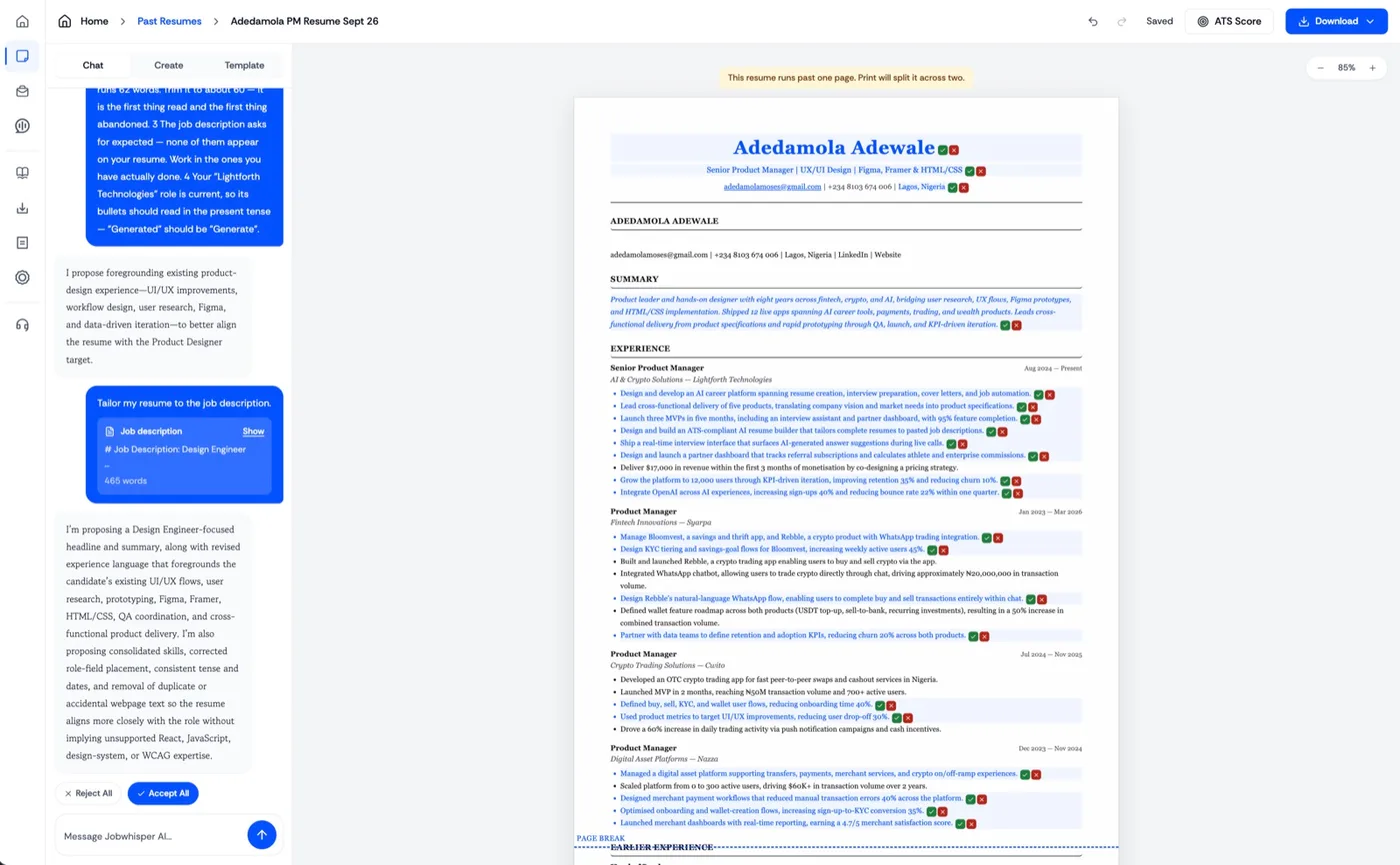
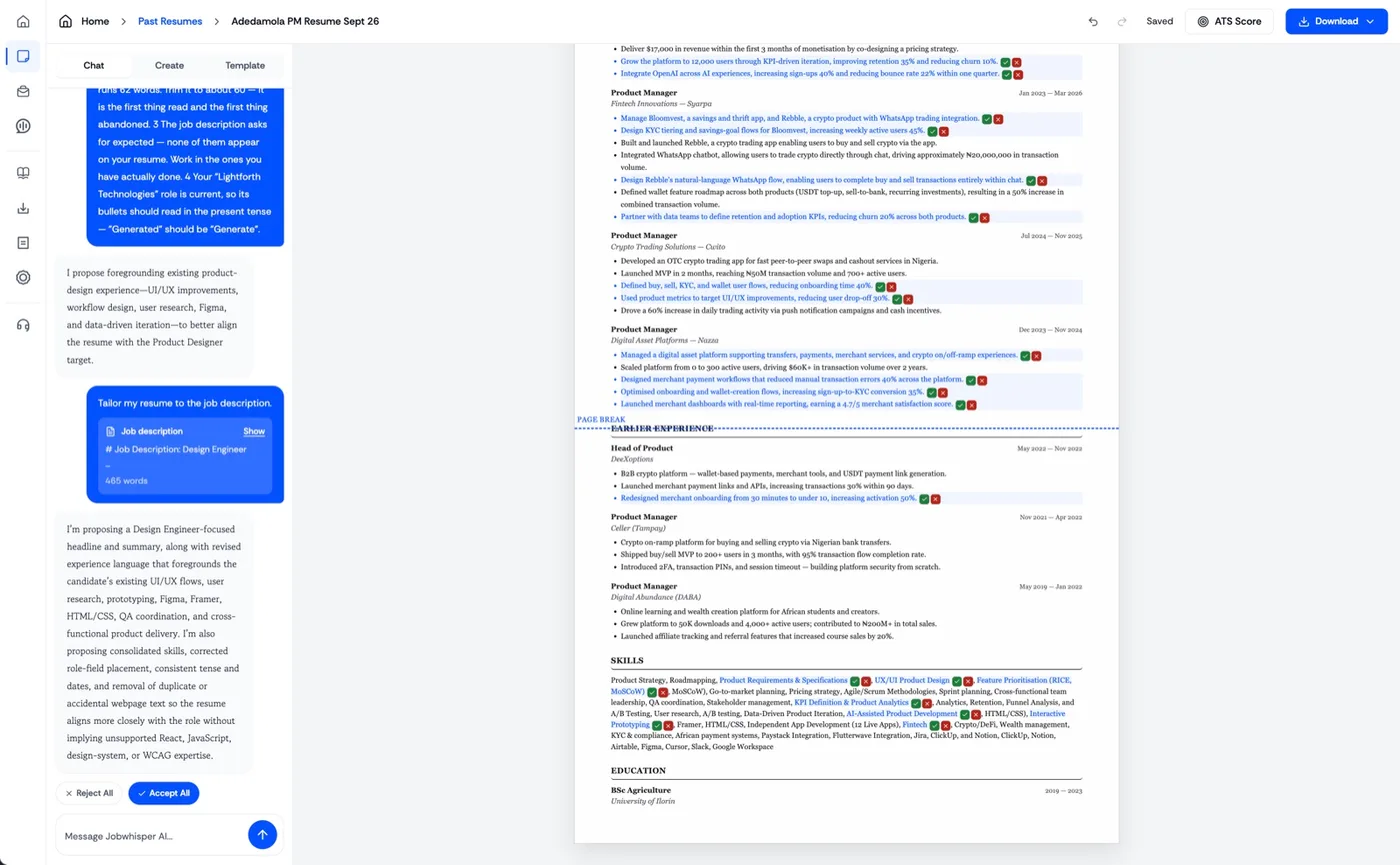
Your call Accept or decline any change.
Every edit it proposes is marked on the page. Take them one at a time, or accept all and reject all in one click.
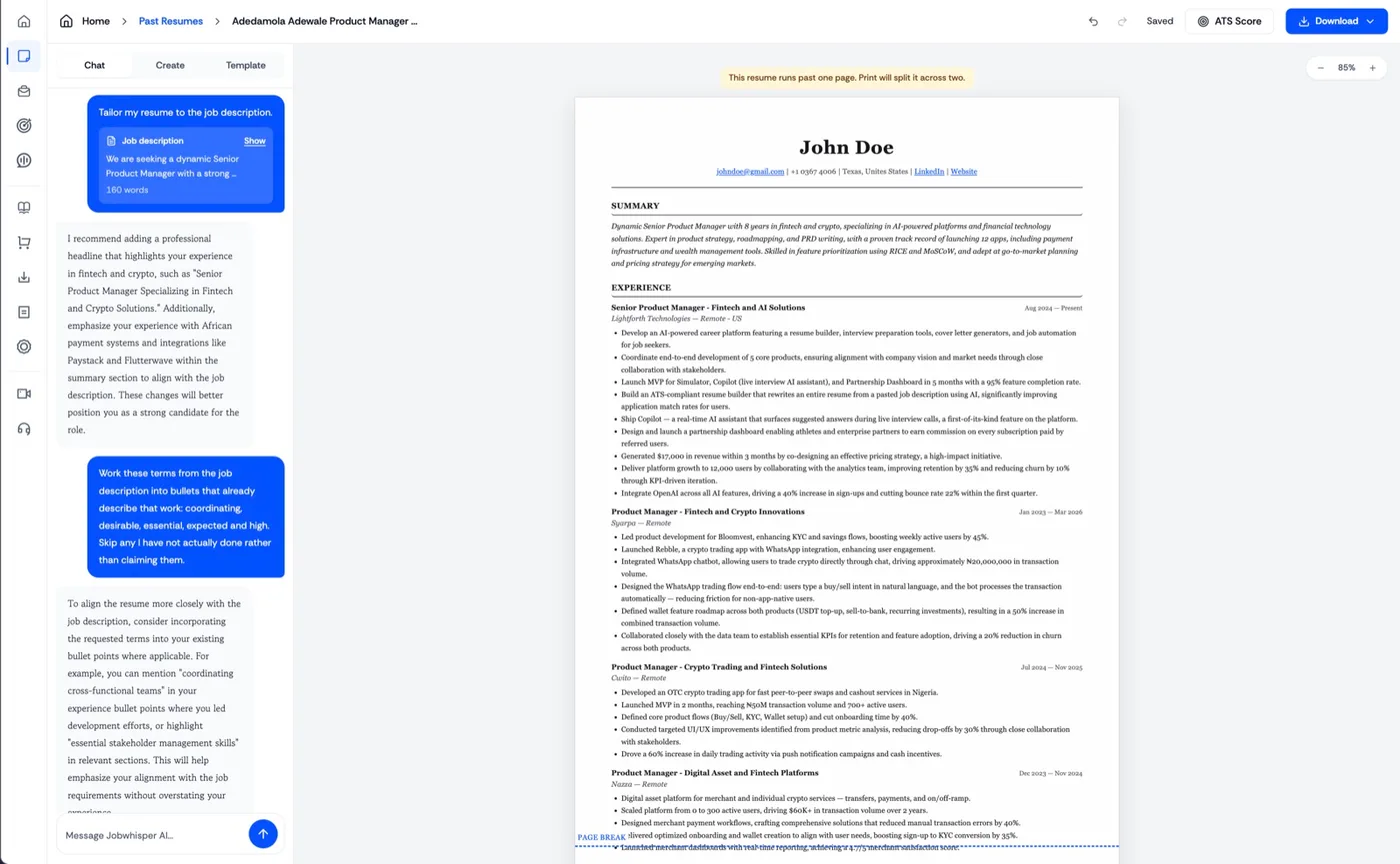
Keep going Keep chatting for more changes.
The resume stays on screen while you talk to it. Ask for a headline, a shorter summary, or a different emphasis.
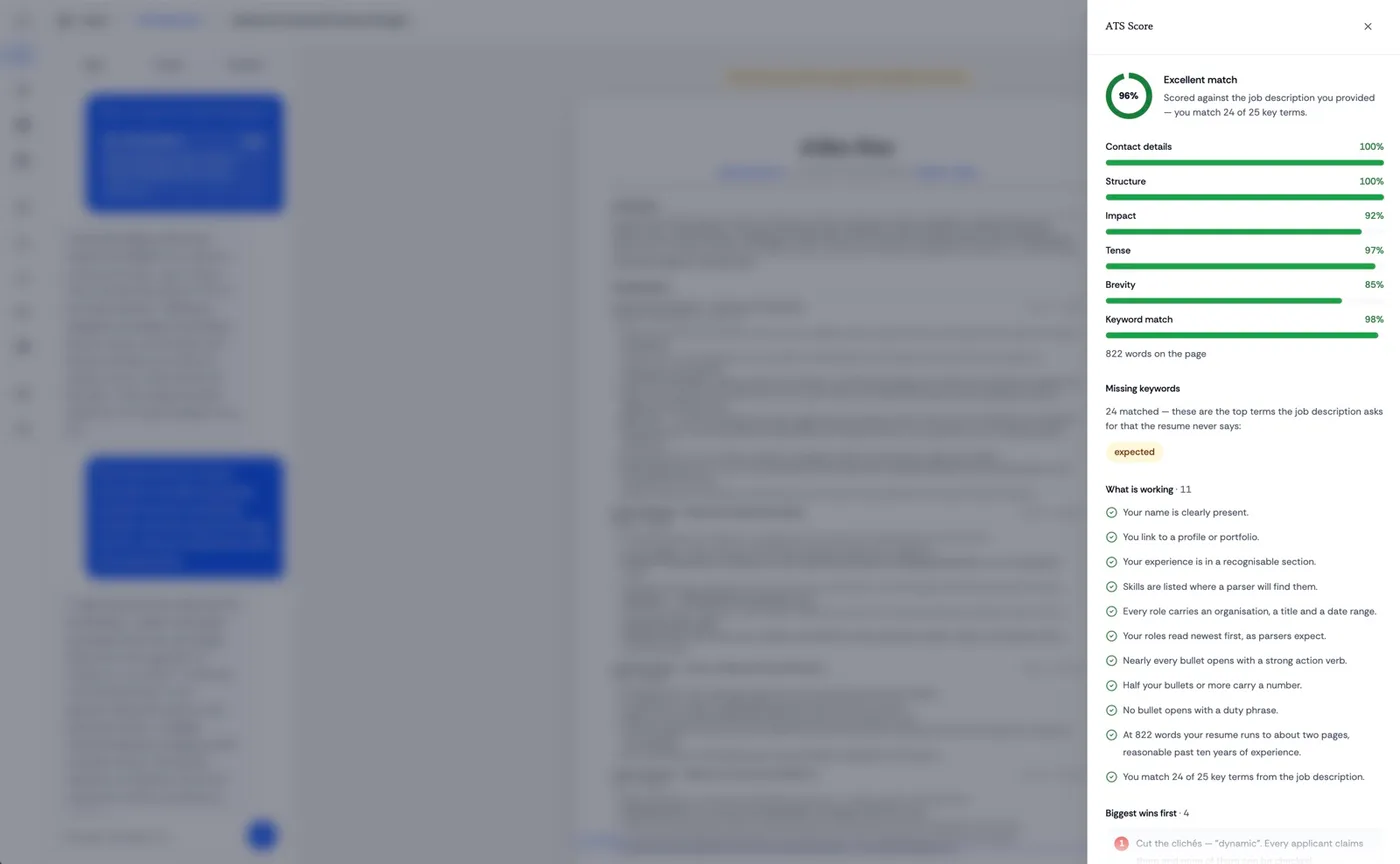
Check the fit Check your ATS score.
Scored against the posting for structure, impact, brevity and keywords, with the terms your resume never says.
Do it yourself Change any field by hand.
Open the editor and change titles, companies, dates or bullets yourself. Reorder the sections or add new ones.
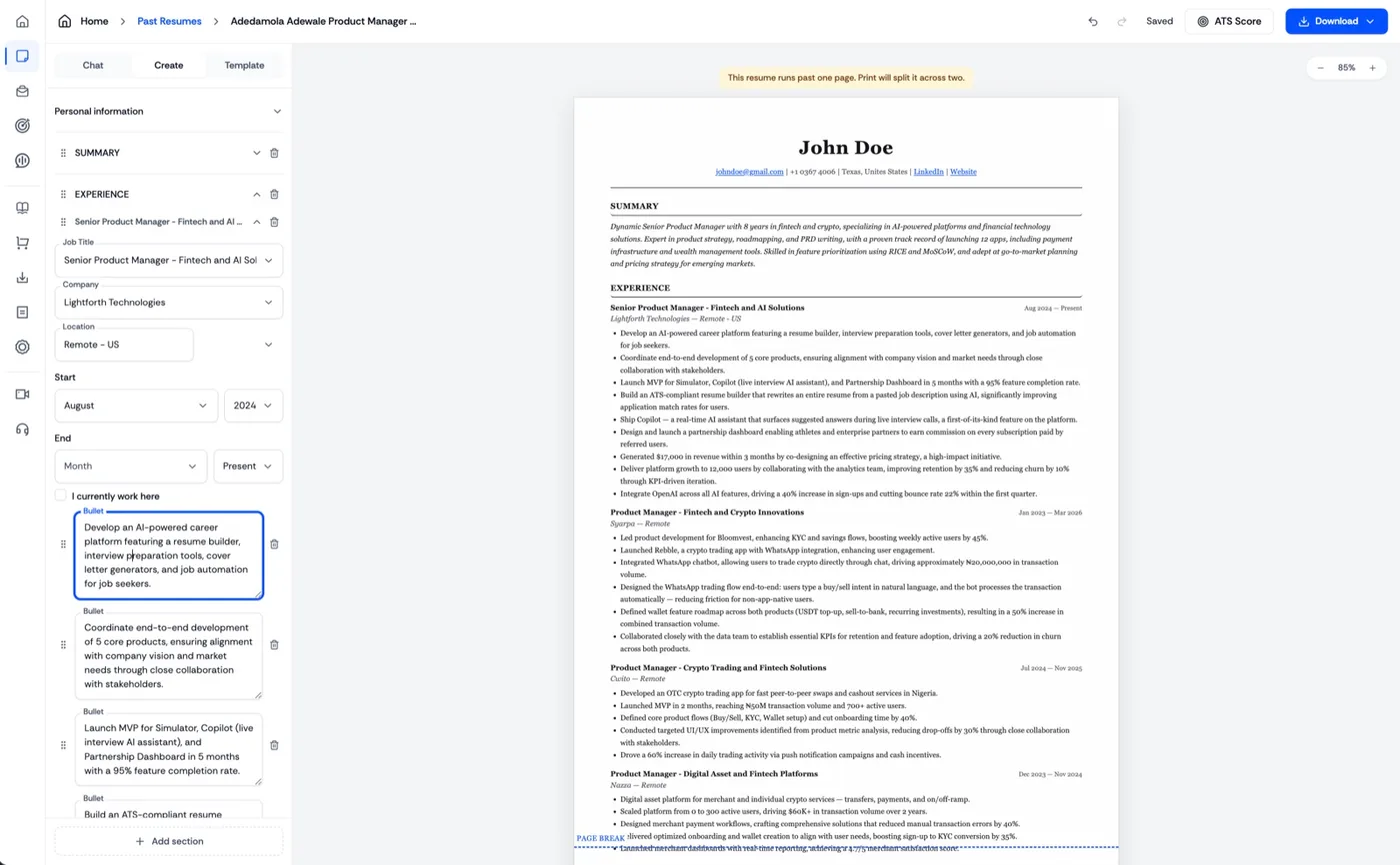
Finish Check the pages, then download.
A marker shows where each page breaks, so nothing splits badly. Download as PDF, Word or plain text.
Will Jobwhisper invent experience? +
No. Suggestions stay grounded in the experience and context you provide.
Can I edit every suggestion? +
Yes. Every proposed change is marked on the page, and you can accept or decline them one by one or all at once.
Can I create more than one version? +
Yes. Create a separate tailored version for each role you want to pursue.
Can I start with my current resume? +
Yes. Upload your existing resume and Jobwhisper will preserve the facts while helping you tailor the presentation.
Does it check for ATS fit? +
Yes. The ATS review scores structure, impact, brevity and keywords, and names the terms your resume never says.
Which formats can I export? +
PDF, Word, or plain text. The preview shows where each page breaks before you download.